Free Preview
Try it free. No credit card needed.
$0during beta
- 1 trial project
- Up to 2 clips
- 2 fully tracked clips
- 720p export with the KICKO watermark

KICKO helps soccer families turn real game clips into player-focused highlights, save important plays, and build a performance library they can use all season.
Start with a few clips from your last match. No editing experience needed.
Game footage can be crowded, fast, and hard to follow. KICKO helps turn important moments into clear, player-focused highlights, so coaches, trainers, and family can follow the action without guessing who to watch.
KICKO follows them through the play. Tap someone else to switch.
What happened? The tag goes into the video.
Every tagged play is saved to the library.
Real game, real KICKO tracking data, played back in your browser. Lavi Amos is #8.
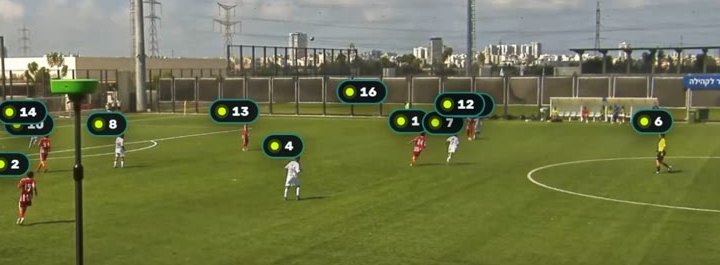
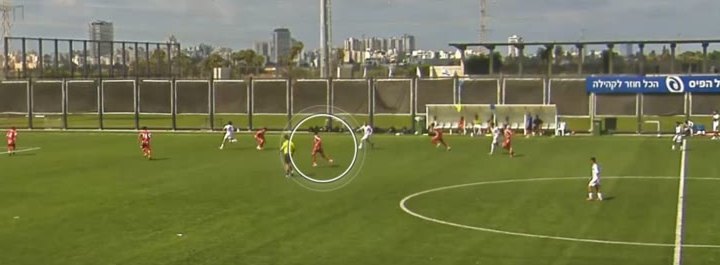
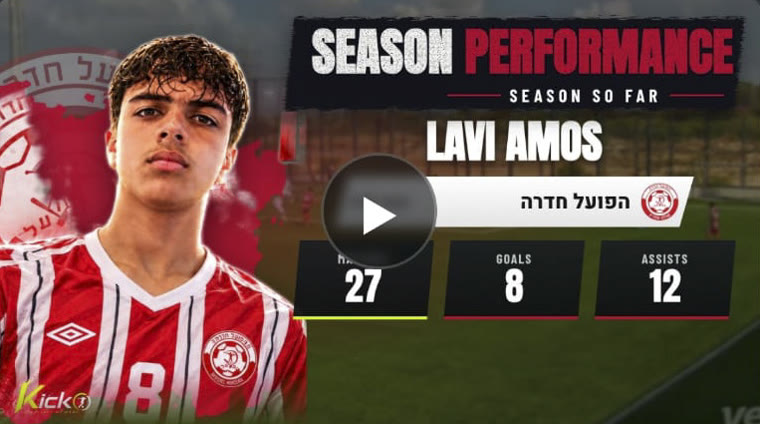
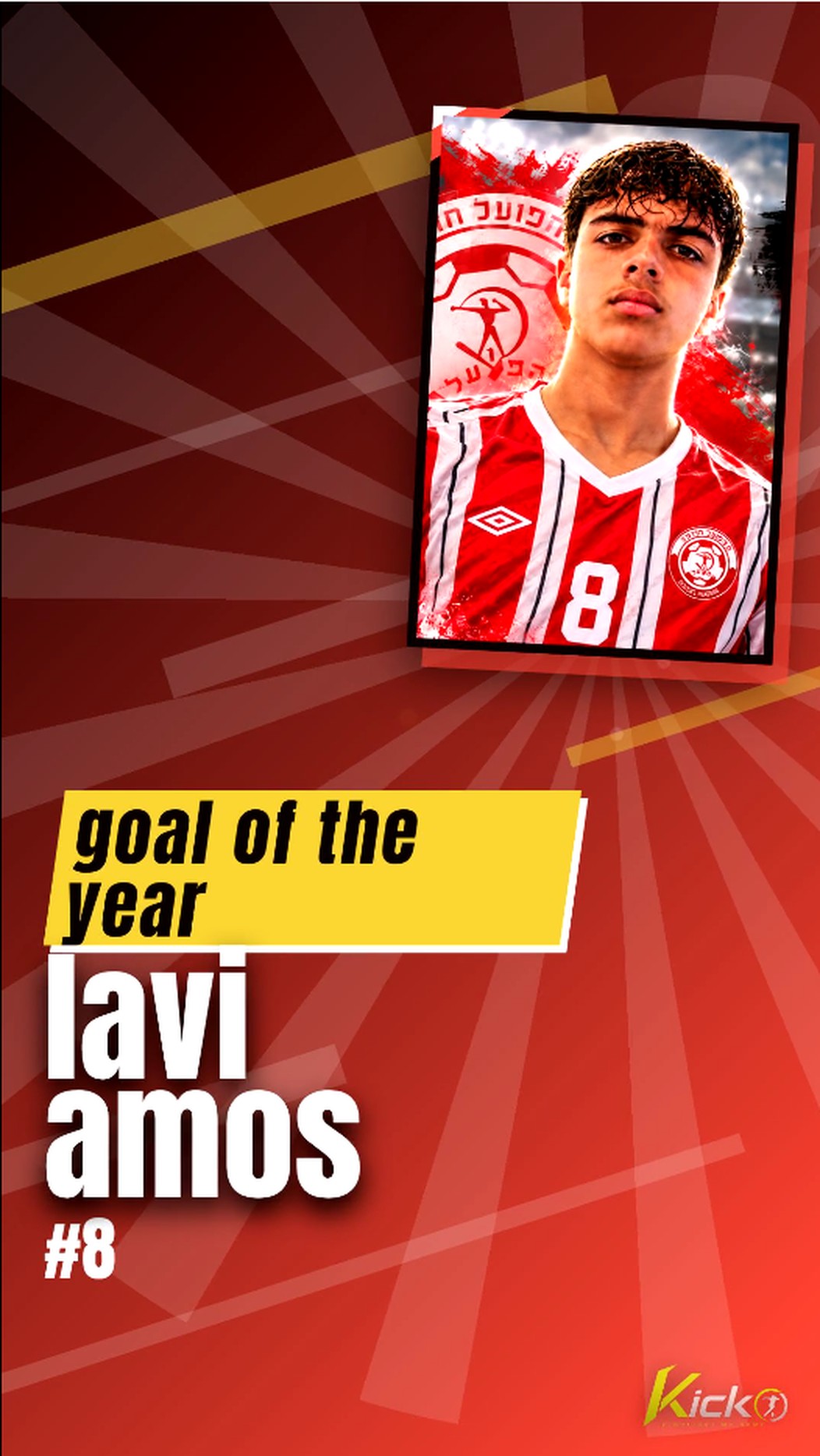
From player tracking to a polished player cover, the finished highlight is ready to share.
Upload a selected game clip, choose your player, and follow a guided process to create a highlight. KICKO keeps the steps simple, even if you’ve never edited a sports video before.
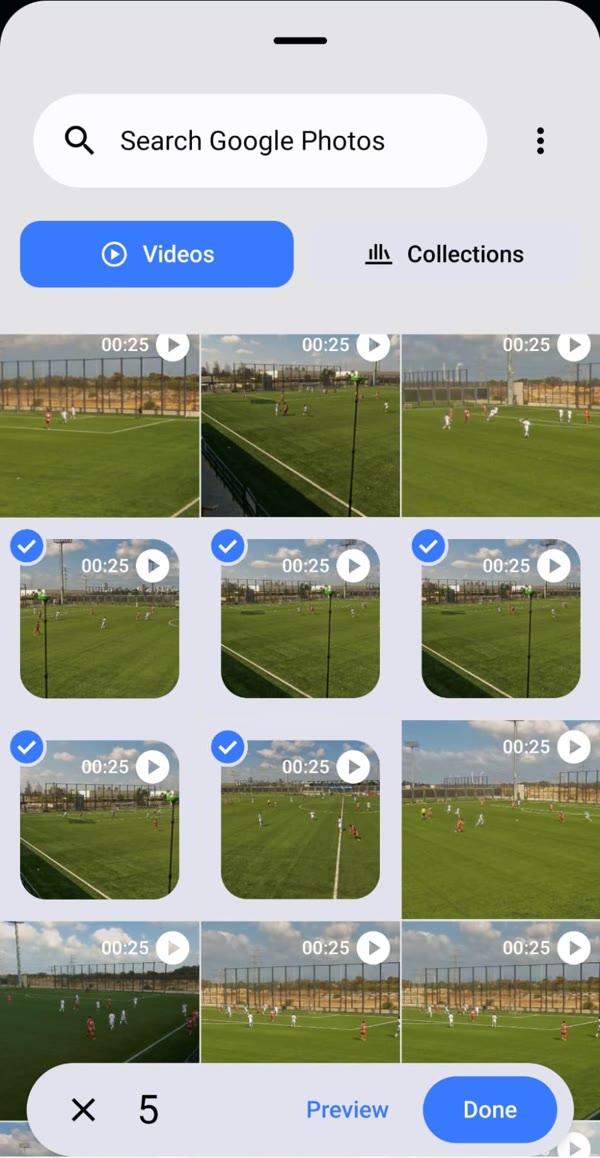
Choose several clips from your phone’s gallery at once.
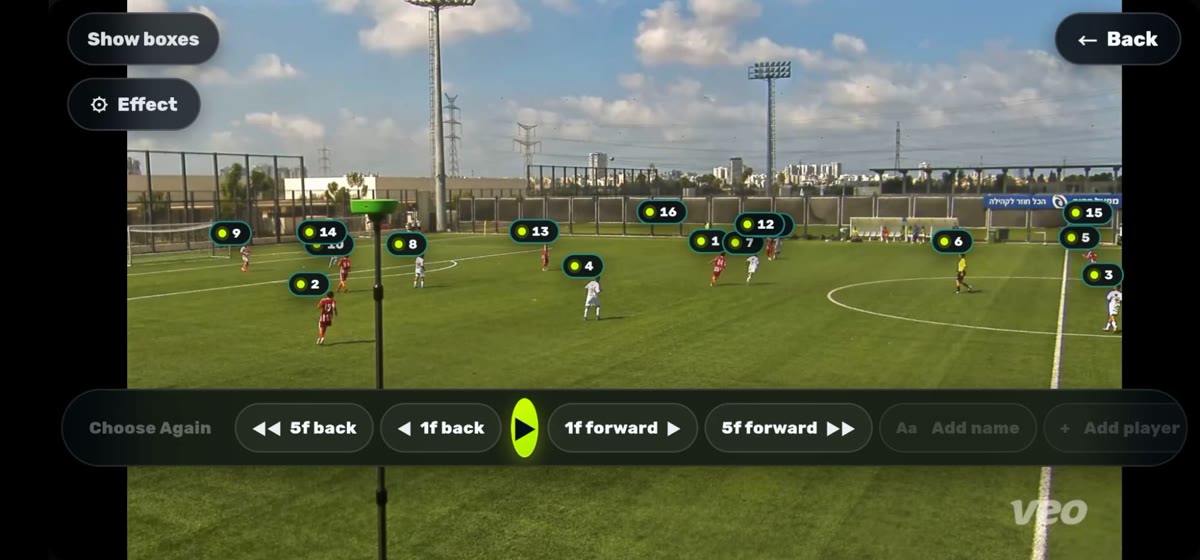
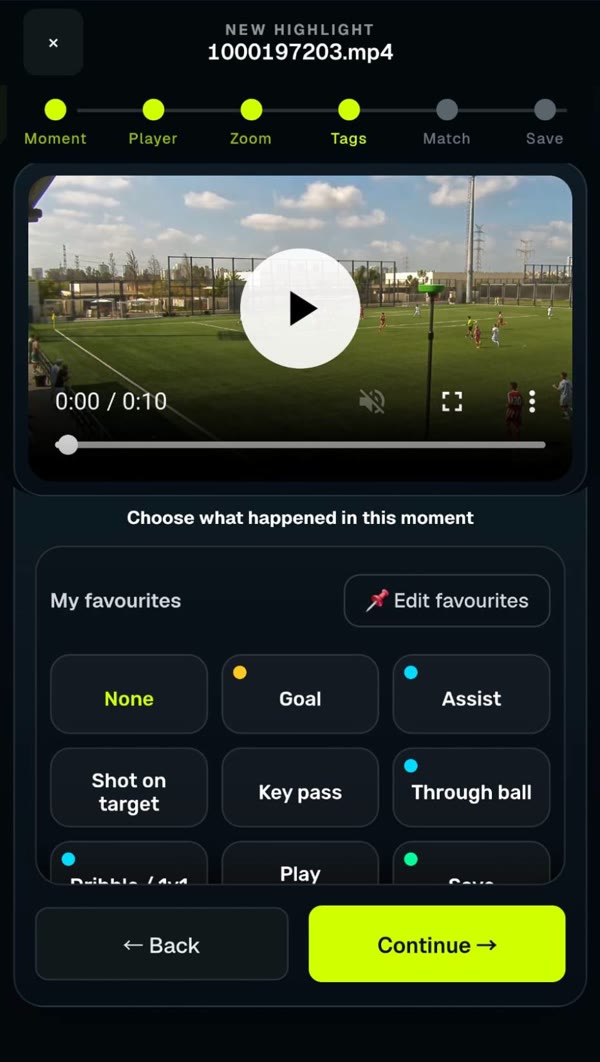
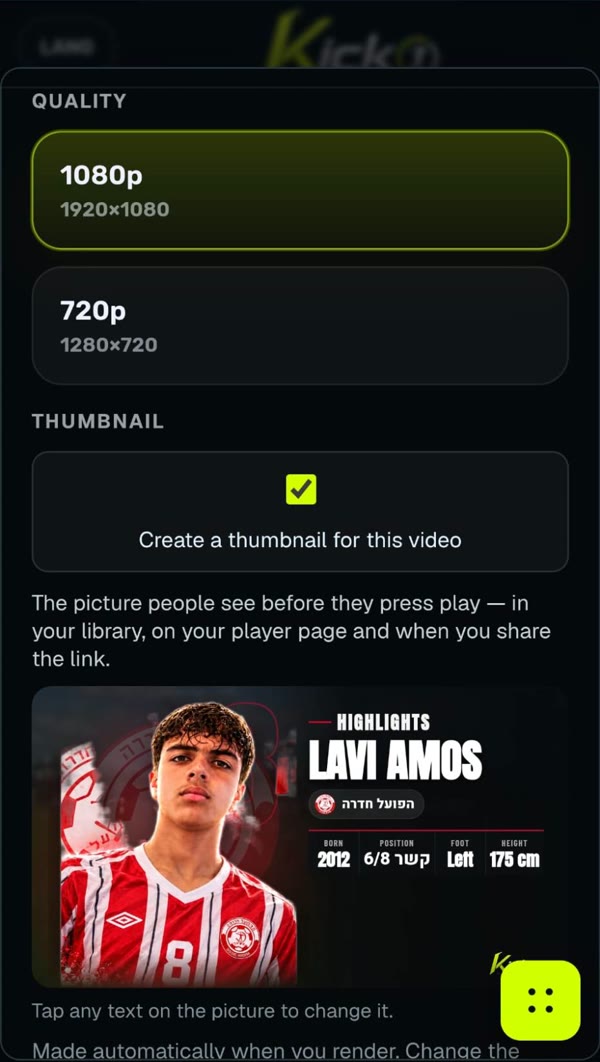
Scout Mode suggests the types of moments worth including based on a player’s position — from passing and vision in midfield to defending, movement, and finishing. You stay in control of what to upload and share.
Position-aware guidance. Your choice.
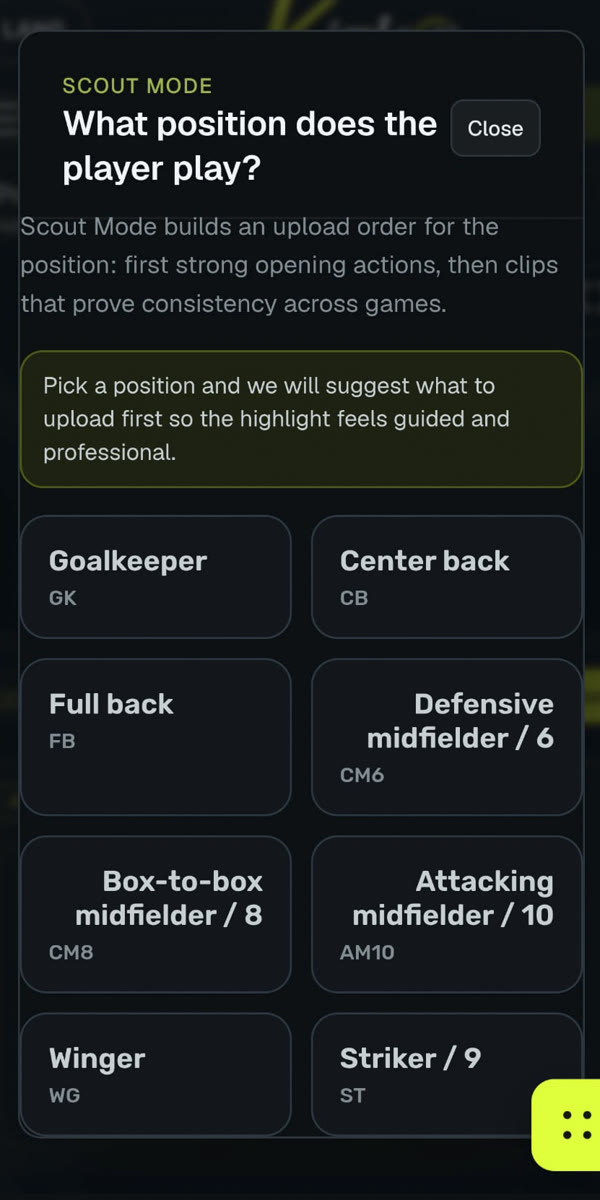
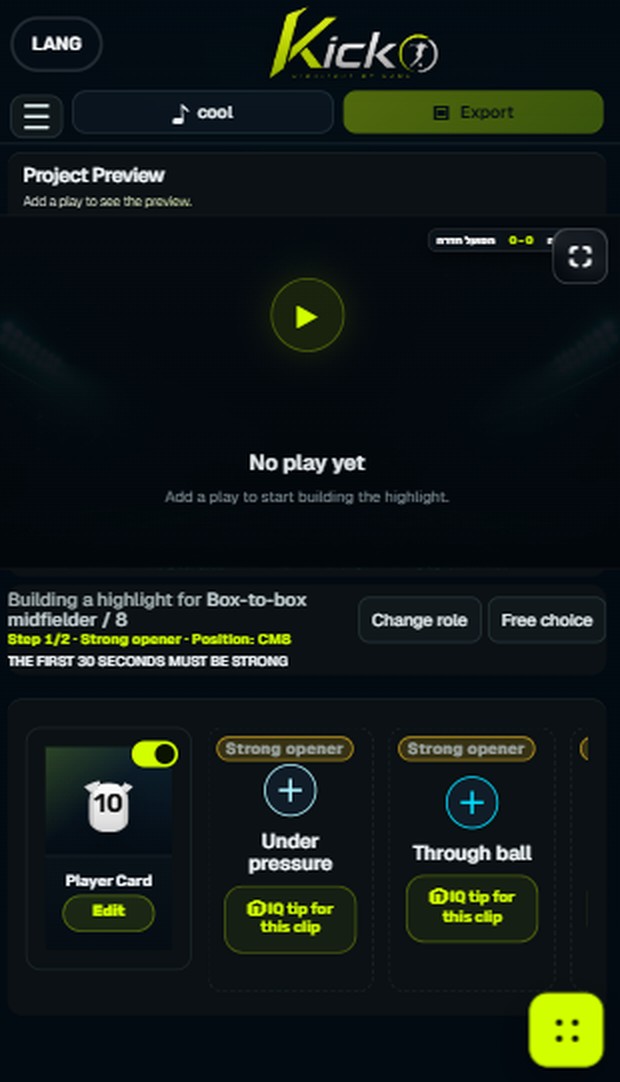
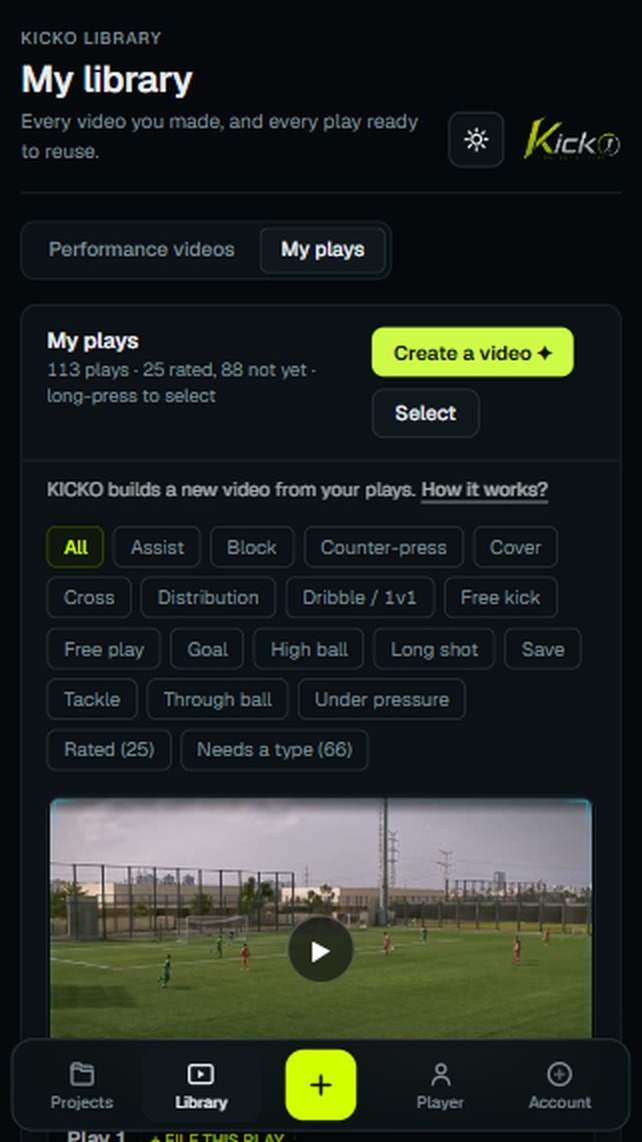
KICKO doesn’t stop at one highlight. As you save plays from more games, you build an organized performance library you can return to — to find specific actions and put together a new highlight when you need one.
1Performance videos
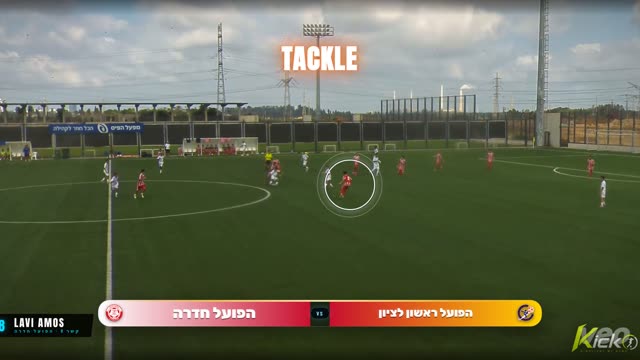 Performance video 1
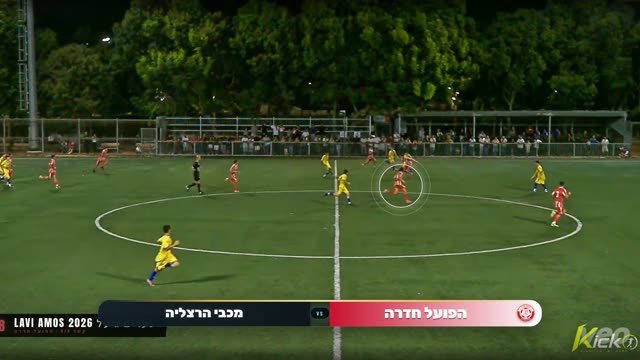 Performance video 2
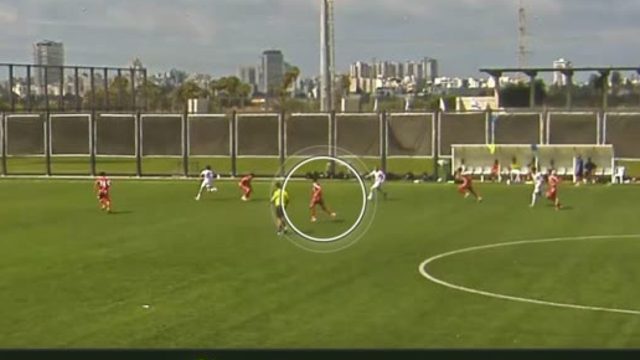 Performance video 3
2Your library fills up
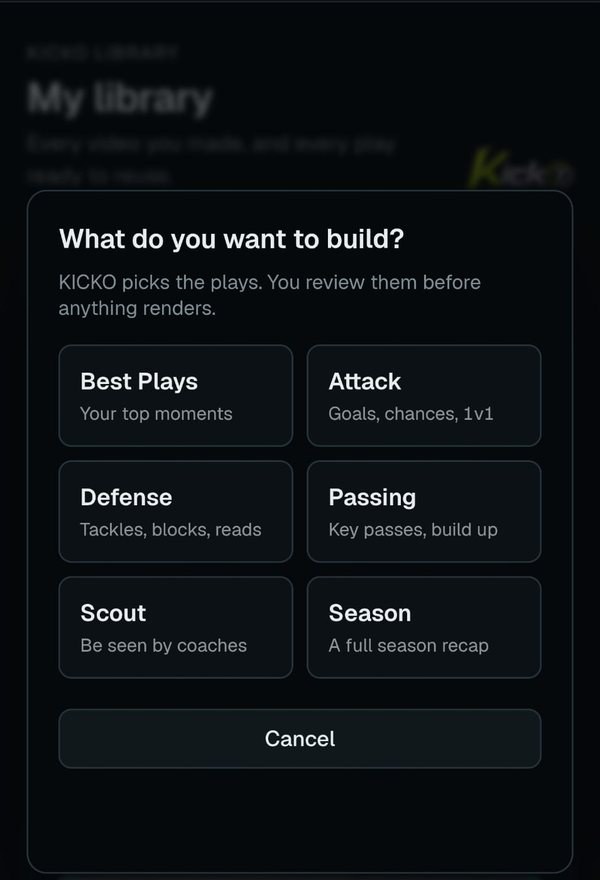
3Ask for defending
4Ready to send
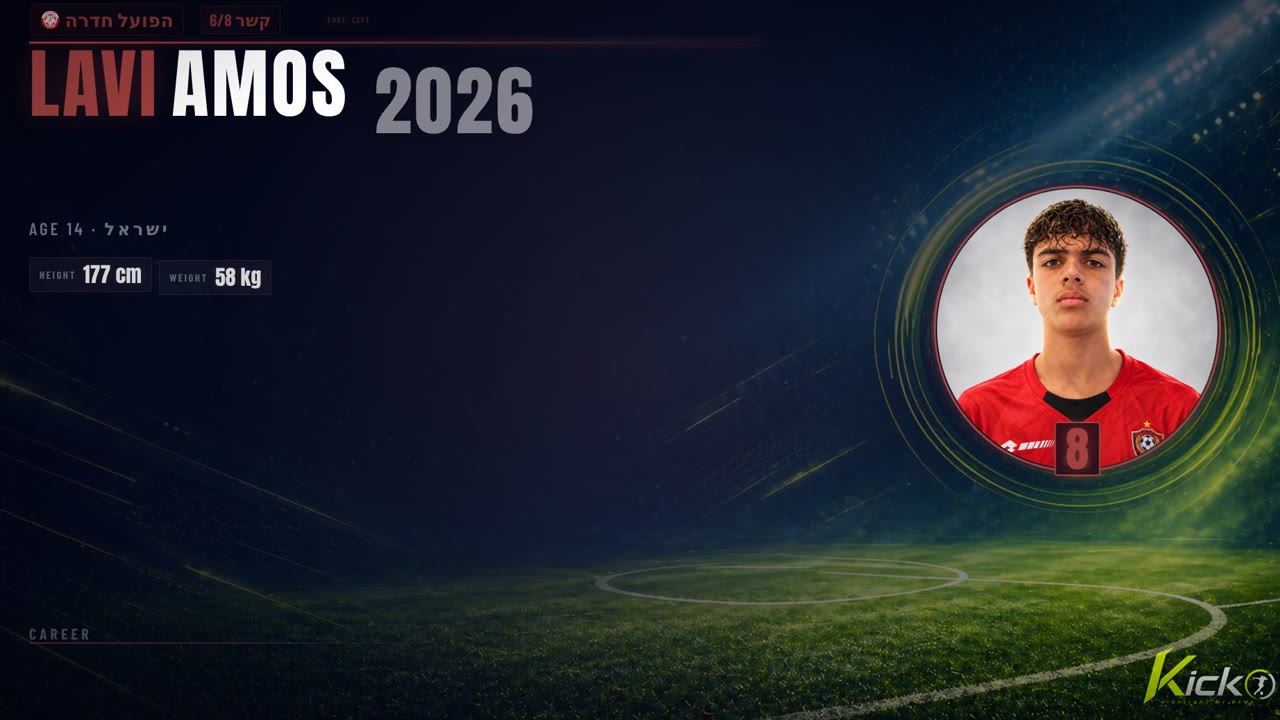 Defending · ready
Need defending clips? A passing sequence? Key attacking moments?
Your saved plays give you a head start.
Every match adds to their story.
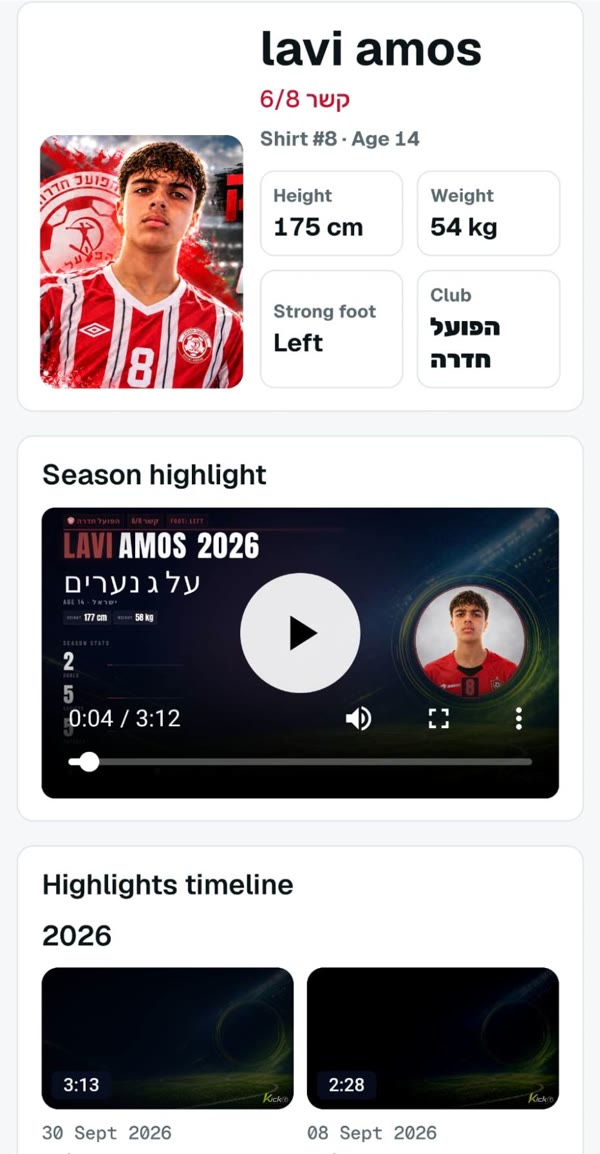
Keep a main highlight, more videos, and match history together on a player page you can share with one link. When it’s time to post a moment, create a short, social-ready reel from your plays.

KICKO began with a father trying to turn years of his son’s match footage into something clear, useful, and easy to share. The challenge wasn’t just editing a video. It was keeping the right moments organized, showing what mattered on the field, and doing it again after the next match. KICKO was built for that real, repeatable job — not as another general-purpose video editor.

Start free to see whether KICKO fits. Founder Beta is for families who want to create after matches, keep social content active and grow the player page throughout the year.
Try it free. No credit card needed.
For players, parents and coaches creating regularly.
KICKO is in open beta. Features, availability and limits may change as the product improves.
Clear, stable footage where your player is visible. Start with selected clips of the moments you want, not a full game. Use footage you already have, provided it meets KICKO’s supported video and framing requirements. Only have the full game? TrimOut, our Windows app, cuts the plays out first.
No. KICKO walks you through each step: upload a clip, choose the player, describe the play, and create your highlight.
Yes. Plays from your KICKO videos are saved in your library, filed by action and rated by you. In KICKO Mode you choose what you need, such as defending or passing, and KICKO builds a new highlight from those plays in under two minutes. It is part of the paid plan.
Yes. Your player page keeps a main highlight, more videos and match history together, and you share it with one link. Your project stays private until you choose to share the finished result.
Yes. Quick Reels turn a single play into a vertical 9:16 clip for Reels, TikTok and Stories.
Choose a few important moments from your latest game, create your first highlight, and start a performance library you can keep using throughout the season.
No editing experience needed. Start with selected game clips.